
Presenting Gentle's Companion’s Seamless BTC Alternative Payment via Cash App!

Are You Having Issues Completing Your Payment? Here’s How to Pay with Cash App Using Bitcoin!
Step 1: Initiate Cashapp transaction & Navigate to the Bitcoin Section
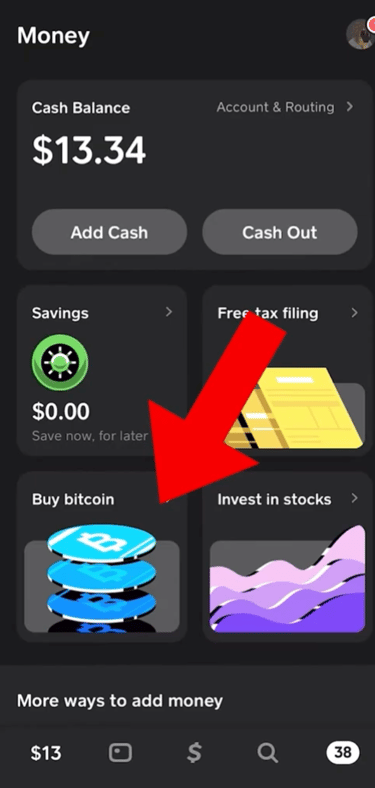
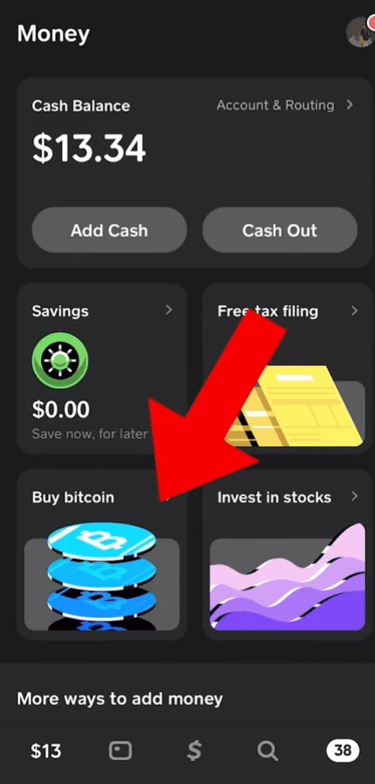
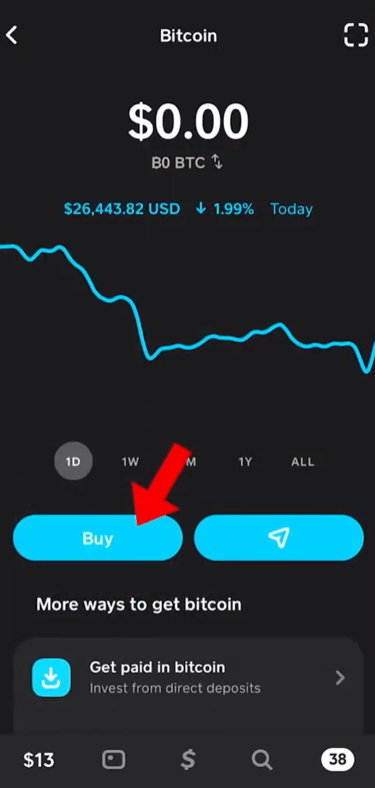
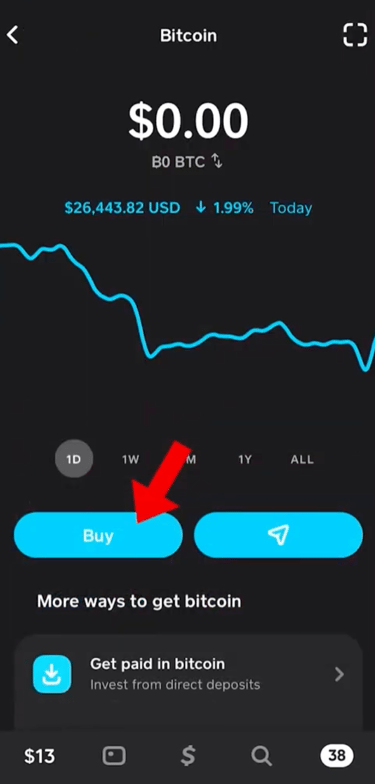
First things first, Initiate Cashapp transaction on web page and you be directed to cashapp to startup payment transaction.
On the home screen, tap on the Bitcoin (₿) tab at the bottom or within the "Investing" section.
This will take you to your Bitcoin dashboard where you can buy and send BTC.
Step 2: Buy Bitcoin
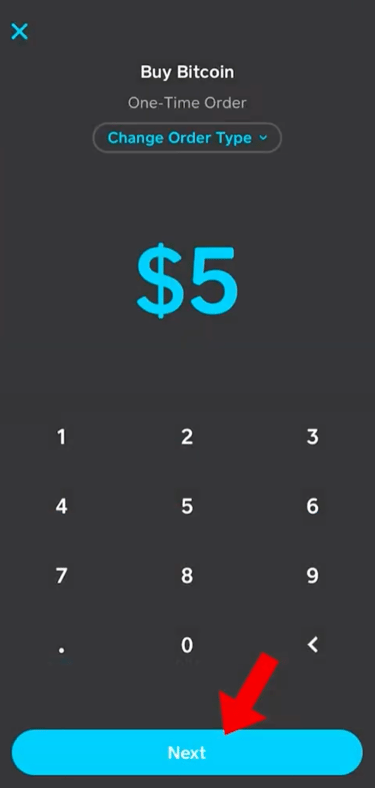
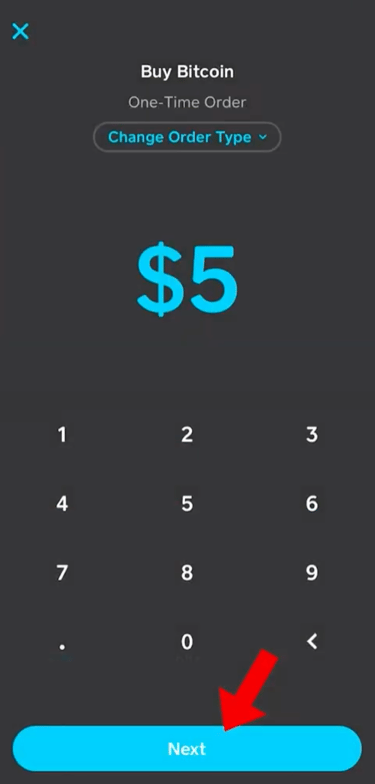
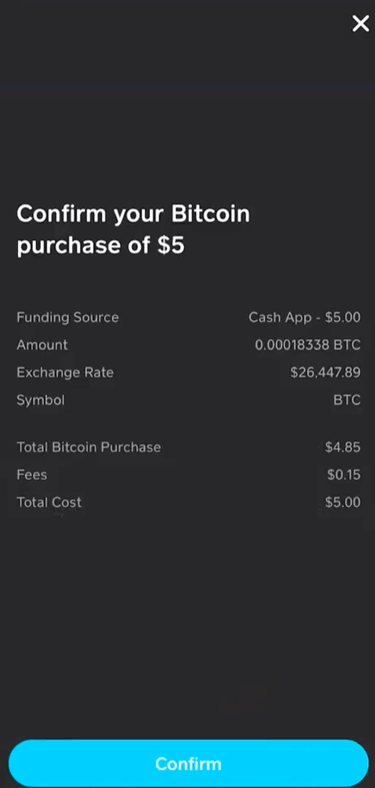
Tap "Buy" and select a preset amount or enter a custom amount
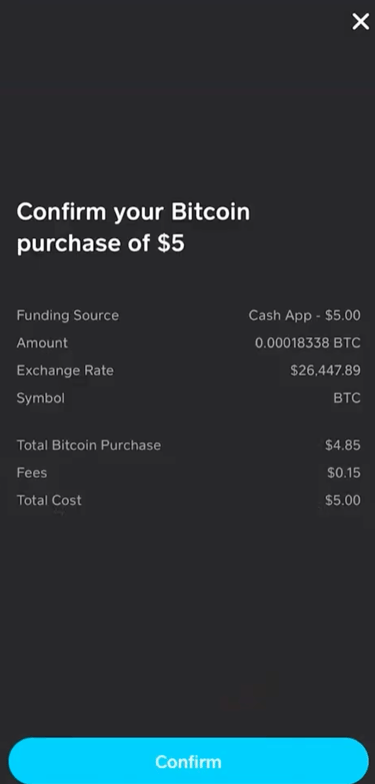
l Confirm the details, review any applicable fees, and finalize your purchase using your Cash App PIN or Touch/Face ID.
Step 3: Send Bitcoin to the Supplied Store Wallet Address
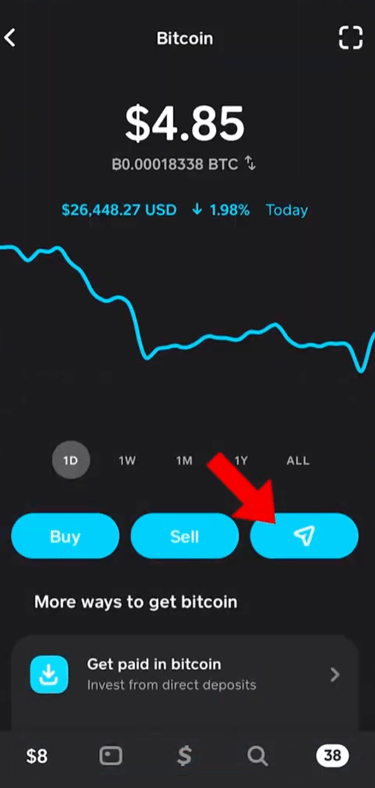
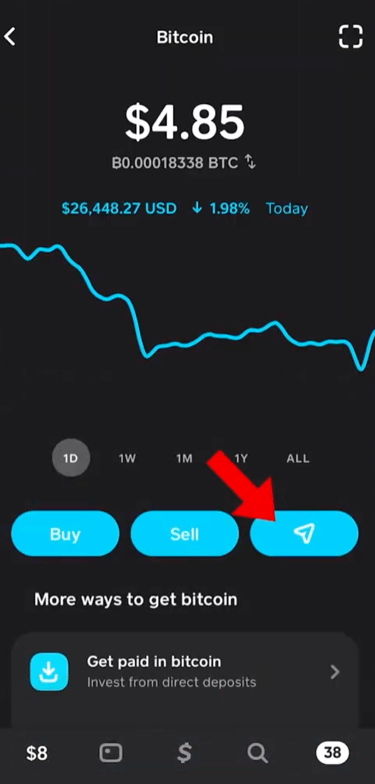
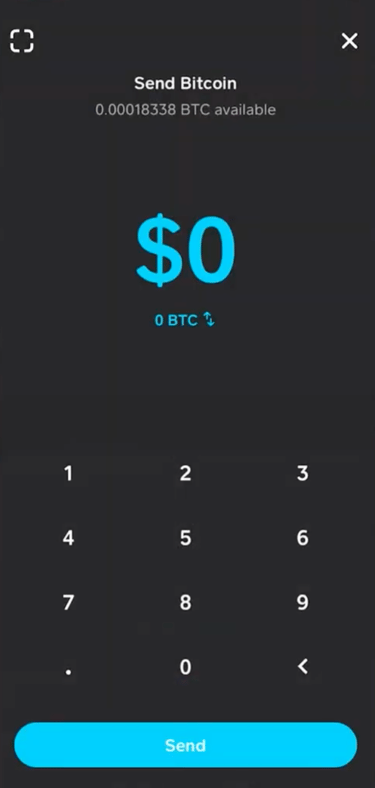
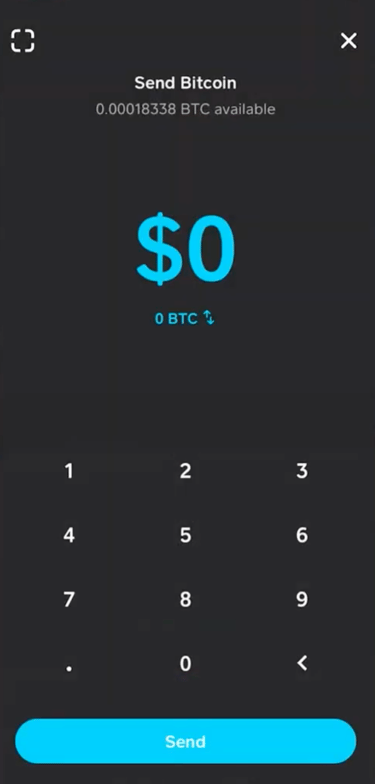
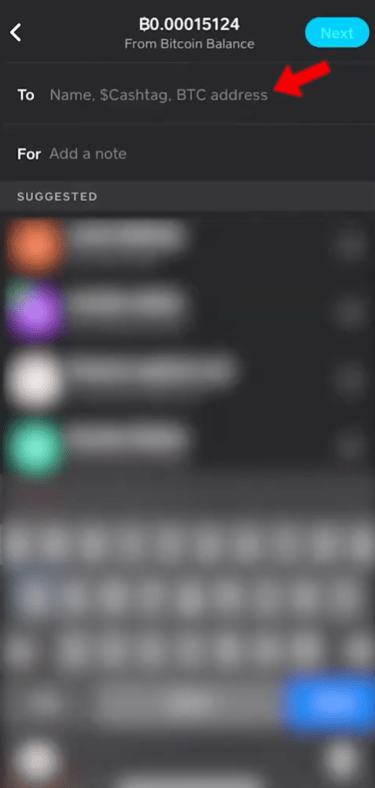
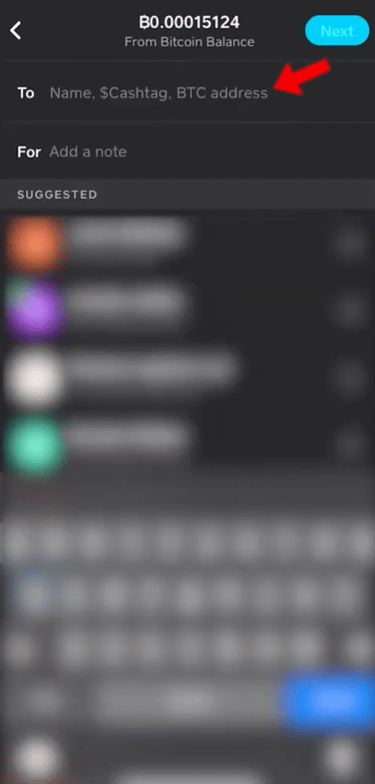
Now that you have Bitcoin, let’s send it to the provided Store wallet address.
Tap "Send Bitcoin".
Enter the amount of Bitcoin you wish to send.
Paste supplied store wallet BTC address copied or scanned.
Double-check the address to avoid any errors!
Step 4: Confirm and Send
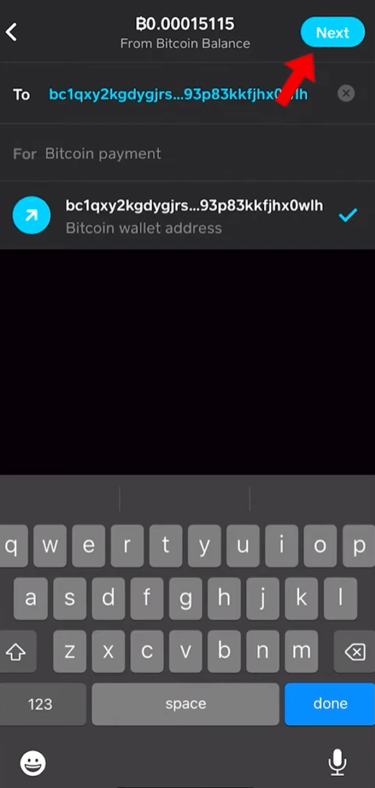
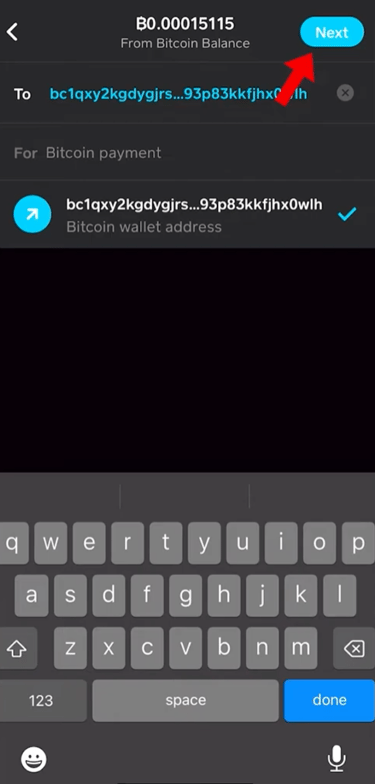
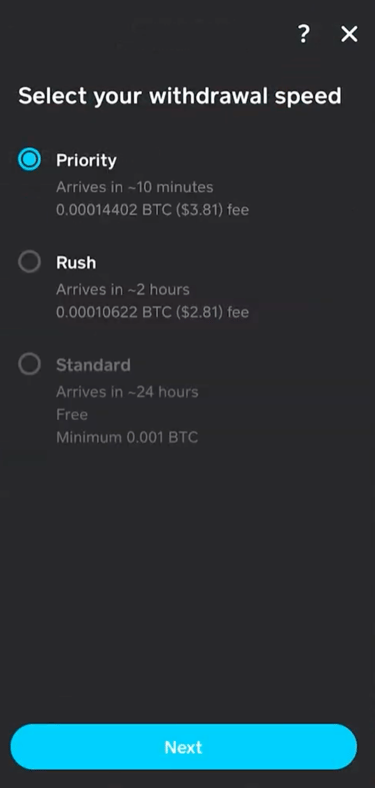
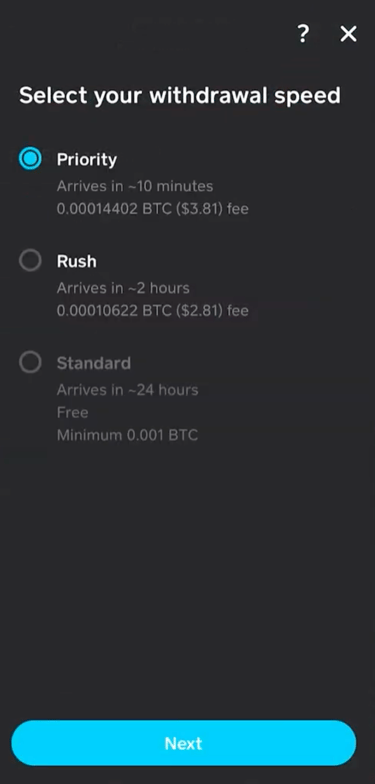
Tap "Next" to proceed with the payment.
Confirm the transaction with your Cash App PIN or Touch/Face ID.
Select your payment withdrawal speed, we recommend Priority for seamless speed payment.
Sit tight! The transaction will process, and depending on network speed, it may take some time to confirm.
Important Notes:
Make sure Bitcoin withdrawals are enabled on your account (you may need to verify your identity) for seamless and fast payment.
Bitcoin network fees apply when sending BTC, so always check before finalizing the payment.
Always double-check the wallet address before confirming your transaction.
And that's it! Stay secure, stay confident, and complete your payment hassle-free!


© 2025, Gentlecompanions

